
01 November 2006
A variant of Strip Mining, that uses an animated GIF, with transparent frames, and randomly kills pixels in two frames making pixels that are black in one frame match transparent pixels in the other and vice versa.
Submitted by Nick FitzGerald.
Here is what you see in the spam message:
The actual image however has the following three frames: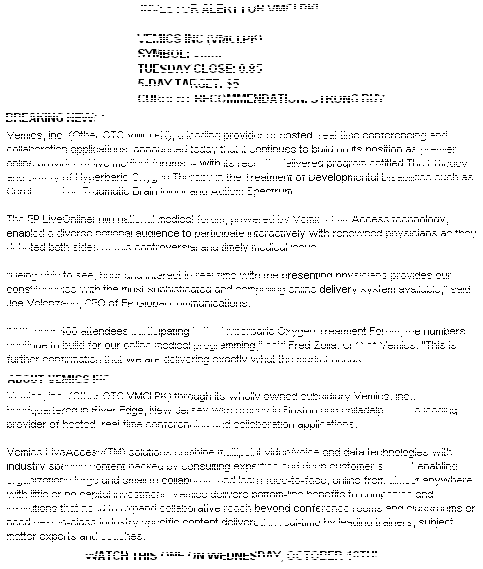
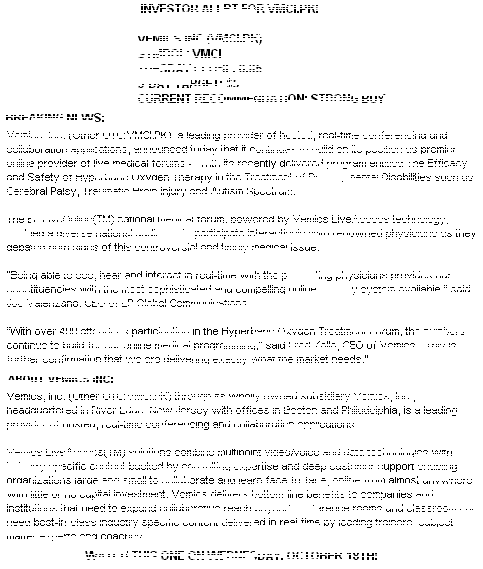

The first image is the GIF's background and is displayed for 10ms then the second image is layered on top with a transparent background so that the two images merge together and the image the spammer wants you to see appears. That image remains on screen for 100,000 ms (or 1 minute 40 seconds). After that the image is completely blanked out by the third frame.
Note that it's not the entire image that's transparent, not even the white background, but just those pixels necessary to make the black pixels underneath show through. If you look carefully above you can see that some of pixels appear yellow (which is the background color of this site) indicating where the transparency is.
See also this blog entry.